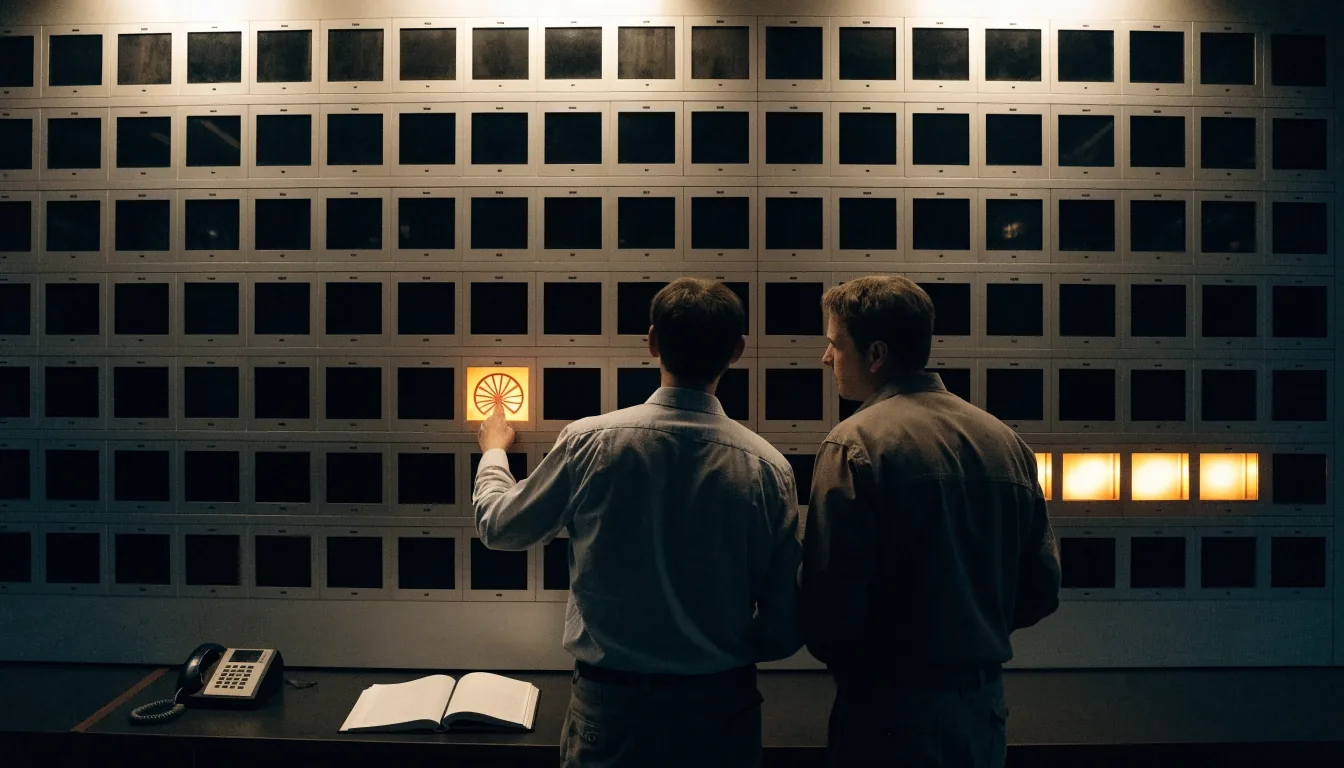
Omniflex annunciator panels · Edina, MN
We put your field alarms where you can act on them.
Omni16C and related Omniflex alarm annunciator systems give control rooms a fixed, always-visible alarm surface. We help US teams select window layouts, wire PLC and field contacts, and tie acknowledgement to SCADA.
Panel
Omni16C
Alarm surface
One window per condition
Interface
Dry contact · PLC · RS232/422/485
Base
Edina, MN
Panel selection
Can your crew spot the fault in seconds?
Three panel shapes cover most control-room requirements. Which one fits depends on how many conditions you watch and whether the point is on a diagram or on a logic sheet.
Panel shape
What it shows
Best fit
Interface
Text window annunciator
Engraved legend per window
Discrete window per condition, illuminated with the alarm's own name cut on the legend strip. Reads at distance without opening a screen.
Plants with many distinct alarms that must be named precisely.
Dry contact
Mimic-light panel
Diagram lamps by location
Lamps sit on a printed line diagram so the operator reads where the fault is, not only that it happened — pump 2, basin north.
Line-up of pumps, valves and vessels where location beats wording.
Dry contact
Combined text + mimic
Both grammars on one board
Text answers what happened, mimic shows where. Both driven from the same tested contacts on one panel face.
Control rooms that want cause and place in one glance.
Dry contact · PLC
Serial-linked annunciator
Isolated comms port
Window state travels to a host over the fully isolated RS232/422/485 port documented for Omni30, feeding SCADA alongside hardwired contacts.
Sites that want the panel state inside SCADA history, not only on the face.
RS232/422/485
Why the board stays
Why annunciators still belong in the room
SCADA screens scroll, alarm lists filter, and pop-ups get buried. A panel with one window per condition stays put and shows state at a glance.
Omniflex reference
Omni16C Annun as product C1480B — a complete alarm annunciator system component.
Layout rule
Critical faults at eye level, grouped by system so operators learn the board once.
Who it serves
Crews reading the panel at 3 a.m. as well as mid-shift.
Windows, mimic lights, text
Windows, mimic lights, and text together
Omniflex references connection to remote alarm displays and mimic-light systems. We often combine text windows for exact fault names with mimic lamps for location, such as pump 2 or basin north. Text answers what happened, mimic shows where. Both are driven from the same tested contacts. Layout drawings are approved by your operators before we drill or print.
Alarm-state reading · live board
Basin north — high level
ALARM
Pump 2 — run confirm lost
ACK
Blower A — vibration
CLEAR
Chlorine room — door
SECURE
Sample board from a live commission. Real boards are laid out to your own group breakdown and approved before we drill.
Wiring to PLC, DCS, field
Wiring to PLC, DCS, and field contacts
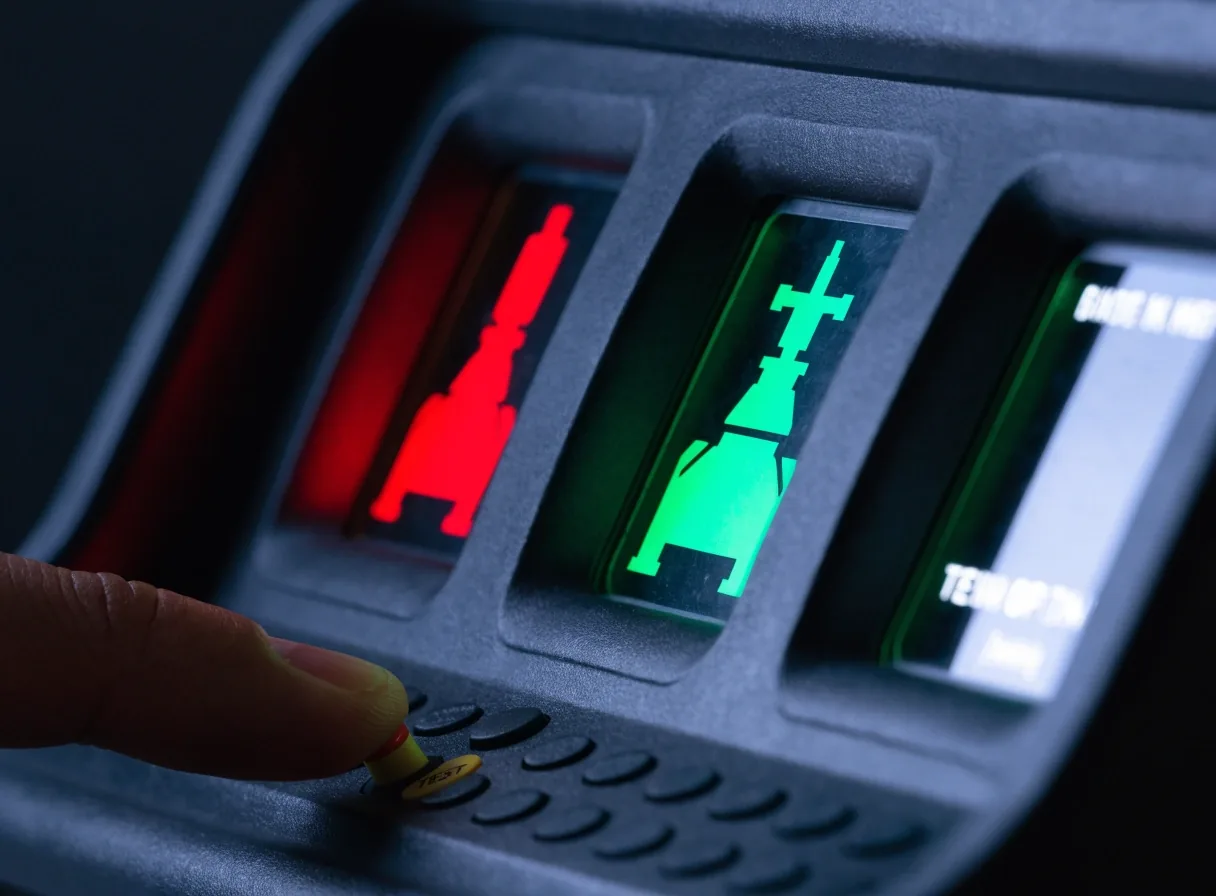
Annunciators accept dry contacts, PLC outputs, and interposing relays. We land each source on marked terminals, separate AC and DC where required, and confirm isolation. For serial-linked annunciators, we use the fully isolated RS232/422/485 port described in Omni30 documentation. Older RS232 runs are kept when they test clean. Every window is tripped from its source device during commissioning.
Marked terminals
Every source has a home
Each incoming signal lands on a numbered, engraved terminal. The point list we hand over matches the wire numbers on the bench, so a future fault chase starts from paper and not from guesswork.
Isolation
AC and DC kept apart
Power circuits and signal circuits travel on separate blocks and separate trays. The annunciator's own supply is fused and labelled, and interposing relays carry any source that would otherwise drag fault current into the panel.
Serial runs
Clean RS232 kept, aged runs replaced
Older RS232 cabling stays if it tests clean; where shielding or connectors fail, we pull new and re-terminate at both ends. The isolated comms port documented for Omni30 lets window state travel to a host without a hardwired run for each point.
Sequences
Sequences operators understand
First-out, ringback, and acknowledge behavior must match your procedures. We set flash rates and horn outputs to your site standard and walk the crew through acknowledge, reset, and lamp test. Shift notes record any windows left in bypass.
Training takes under an hour on your actual board, not slides.
First-out
The initiating window holds while downstream windows are held back, so the operator sees the cause before the cascade.
Ringback
A window that returns after reset from the operator side re-annunciates, so a plant restart does not hide a fault.
Acknowledge, reset
Silence and clear keys are set to your existing procedure so a crew trained on the old board reads the new one the same way.
Lamp test
A single test key lights every window at once so the crew sees a dead lamp the day it dies, not the day an alarm is missed.
Horn output
Horn relay drive is set to the site's standard audibility and routed so it silences on the same key the operators already use.
Retrofit in live control rooms
The room stays functional through the change
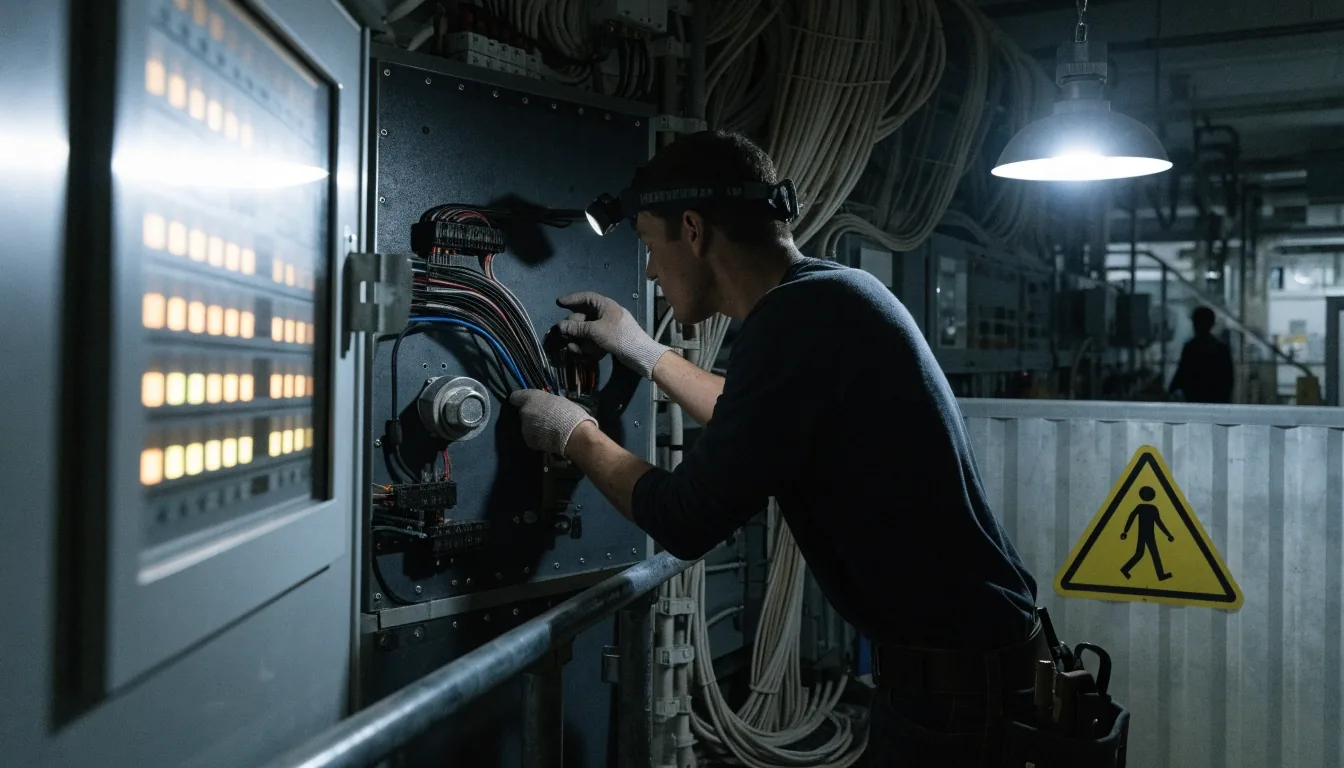
Most panel work happens around running equipment. We stage new sections, pre-wire where possible, and cut over during planned windows.
Stage · pre-wire · cut over
Existing SCADA links stay live while windows are proven one by one. Cutover sheets track each circuit moved, and the schedule is worked out with your shift leads — not announced to them.
Planned windows
Cutovers are booked into maintenance windows agreed with production, so no live alarm surface is gone during a working shift.
Handover
Point list, wire numbers and legend set stay with the site after we leave.
Care over years
Keeping the board honest long after the ribbon cutting
Lamps, legends, and horn relays need periodic checks. We leave spare legends, a lamp-test procedure, and a point list with wire numbers. Cleaning and re-lamping access is shown to maintenance. When you add equipment later, spare windows or a planned extension bay keep the board consistent.
Spare legends
A full spare set stays in the panel so a changed legend is printed once, not improvised with a marker.
Lamp-test procedure
One page, in your own shift-log format, so the weekly test does not depend on our attendance.
Point list
Wire numbers, terminal numbers and the source device for every window — every later change starts from it.
Extension plan
Spare windows or a planned extension bay on the same rail so a future addition reads as part of the board.
Questions we get
How annunciators connect and read
Two of the questions we answer most when a plant is comparing annunciator panel options against their existing alarm handling.
How do annunciators connect to PLC, DCS, or SCADA?
Through hardwired contacts and serial interfaces. Omniflex documents annunciator interfaces to SCADA alongside PLC and DCS, and manuals reference RS232 connectivity. We wire, address, and test each path so panel and system agree — a hardwired point and a serial point both carry the same source, and we prove it at the terminal.
How are mimic lights and text annunciators used together?
Text windows name the fault, mimic lamps show location on a diagram. We drive both from the same source and test them together. Operators get cause and place in one glance — pump 2 or basin north in the lamp, the specific fault in the text window beside it.
Send us your point list and we will come back with a layout.
A sketch of the current board, a list of the alarms you want to keep, and a rough idea of grouping is usually enough to start. We reply with questions, not a proposal-form.
- Address
- 4820 W 77th St
Edina, MN 55435
United States - Hours
- Monday to Friday, 9:00 AM – 6:00 PM