
Omniflex integration partner · Edina, Minnesota
Commissioned. Not assumed.
Omnix Agent commissions Omniflex remote monitoring for plants and utilities across the United States — Teleterm RTUs, alarm annunciator panels, I/O and SCADA links, wired and tested before we leave your site.
Scope
Teleterm RTU & I/O
Annunciation
Omni16C panels
Integration
SCADA & desktop
Region
United States
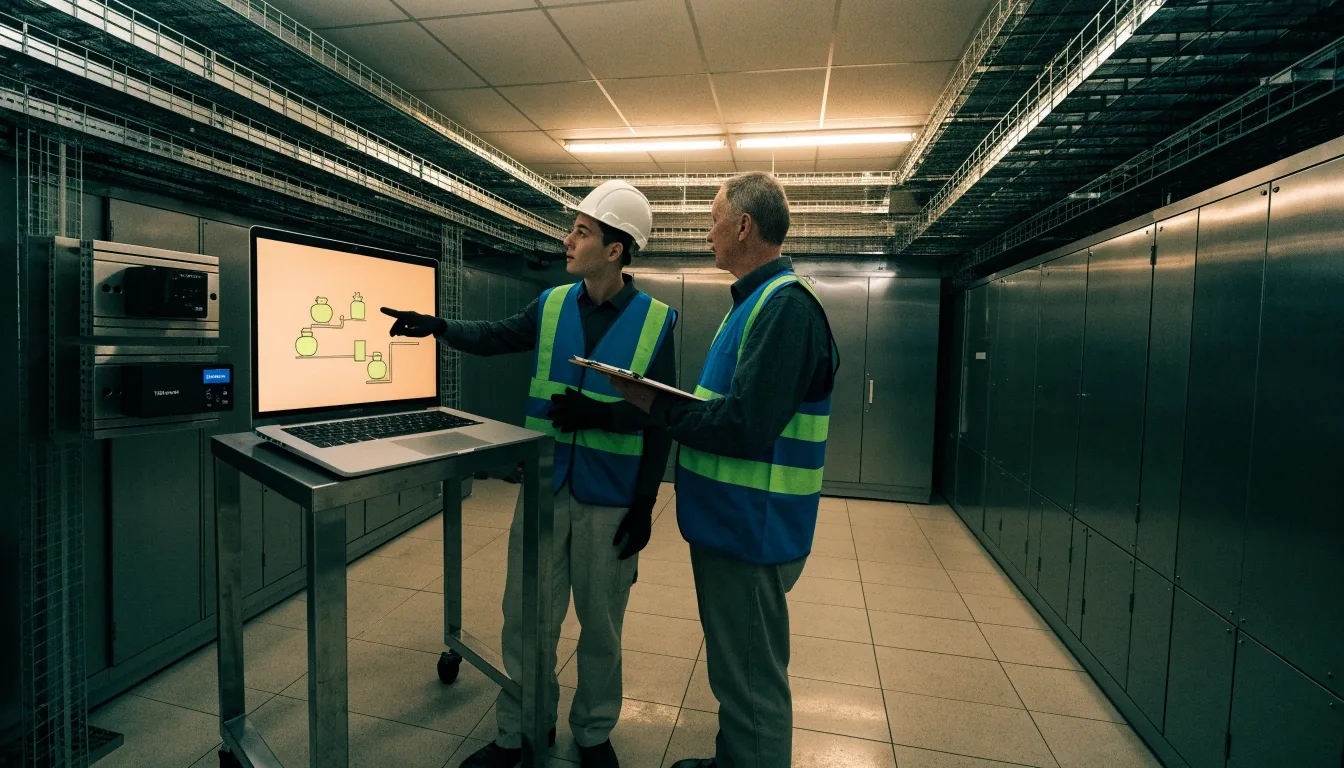
Bay 01 — Bench
What we commission
We set up Teleterm M3e, M3R2 and S3G1 units for remote telemetry and configurable I/O. That includes field wiring, 9-30Vdc power checks, sensor connections and Modbus RTU mapping. We also configure Omni16C annunciator components, identified by Omniflex as product C1480B, for alarm display. Every install ends with a documented I/O list you can keep at the panel. Nothing leaves unlabeled.
If your site already has conduit and terminal strips worth keeping, we work around them. You are not paying for a rip-out you did not need.

Documented at handover
- Teleterm family configured
- M3e · M3R2 · S3G1
- Power working range
- 9–30 Vdc
- Annunciator component
- Omni16C · C1480B
- Protocols mapped
- Modbus RTU · Serial
Limited power sites, and how we handle them
Power drawn
Teleterm M3e on 9–30 Vdc
Charging plan
Powerterm PTC PSU/Chgr · 12/24 V @ 0.66 A
When we leave
Load measured, charge verified
Many small lift stations and valve sites run on constrained power. The Teleterm M3e RTU, listed by Omniflex as model C2363A-0, operates on 9–30Vdc and fits that kind of location. We check load, wire the Powerterm PTC PSU/Chgr where needed, and confirm charging behaviour before we leave. The AC input version is rated for 12/24V at 0.66A, so we size it against your actual draw. You get a power plan that matches the site, not a guess.
Battery cabinets get a fuse and a label. Field terminals get a name. When somebody services the site in year three, they will find what we found.
Bay 03 — Annunciator
Annunciators operators actually read
Trend screens are useful, but fault recognition needs instant display. A well-built alarm annunciator panel gives the operator one fixed window per alarm and a clear acknowledgement. We arrange windows in the order your crew responds, then test each one from the field contact. No silent points, no duplicate labels.
Omniflex also references connection to mimic-light systems for spatial layouts — a plant overview board where the lit window sits on the outline of the tank or pump it belongs to.
Bay 04 — Commissioning
Radio, Ethernet or cellular — documented per location
The Teleterm M3R2, model C2363A-32, lists 868 MHz radio, Ethernet support and 12 configurable I/O. The Teleterm S3G1, brief C2380C-11, sits in the same Teleterm family on 9–30Vdc for cellular paths.
We help you pick based on cable runs, signal surveys and what your utility already maintains. Mixed sites often use Ethernet at the plant and radio or cellular at outstations. Every choice gets written down per location — not left in somebody's head from the day of the visit.
Path
Ethernet
Where the plant already has a clean run to the panel and the cabinet sits near it.
Path
868 MHz radio
For outstations inside range of the base — no carrier bill, no cable to pull.
Path
Cellular
Remote lift stations and tanks where no field wiring reaches — S3G1 on 9–30Vdc.
Bay 05 — SCADA
SCADA, PLC and DCS links
Omniflex documentation states its alarm annunciators can interface to SCADA systems, alongside PLC and DCS. We map alarms and status into your existing system over Modbus RTU and serial links, including the fully isolated RS232/422/485 port described for Omni30 annunciators.
Legacy RS232 wiring is reused where it tests clean. New runs are added only where needed. Your control room keeps one view of field and plant — the same window order the panel uses, mapped point for point.
Each mapped point is tested from the field device, not only from a screen. If a signal does not arrive at the controller when the contact closes, it does not pass.
Points we map from field to controller
- Alarm states from the annunciator window order
- Analog values from tank level, pressure and flow sensors
- Discrete status for pumps, valves and run-hour counters
- Command points back to the field, where the plant allows them
Bay 06 — Desktop
Data on the desktop
Field data should be visible during a normal shift, not only during an alarm.
We set up Data2Desktop and Omnergy views so daily readings, counts and status sit on office PCs. Operators check levels and run hours without driving to the site. Managers see the same numbers the control room sees.
It reduces routine trips and phone checks — the kind of small daily cost that does not appear on a budget sheet, but does appear on everybody's Friday. The people who watch the site keep watching from the desk they already sit at.
Daily readings
Levels, flows and run hours from the previous shift, visible at the desk each morning.
Counts and totals
Pump starts, volume totals and duty rotations, so maintenance gets planned on facts.
Same numbers everywhere
Managers see what the control room sees. No second version of the truth circulates.
Bay 07 — Retrofit
Retrofit without rip-out
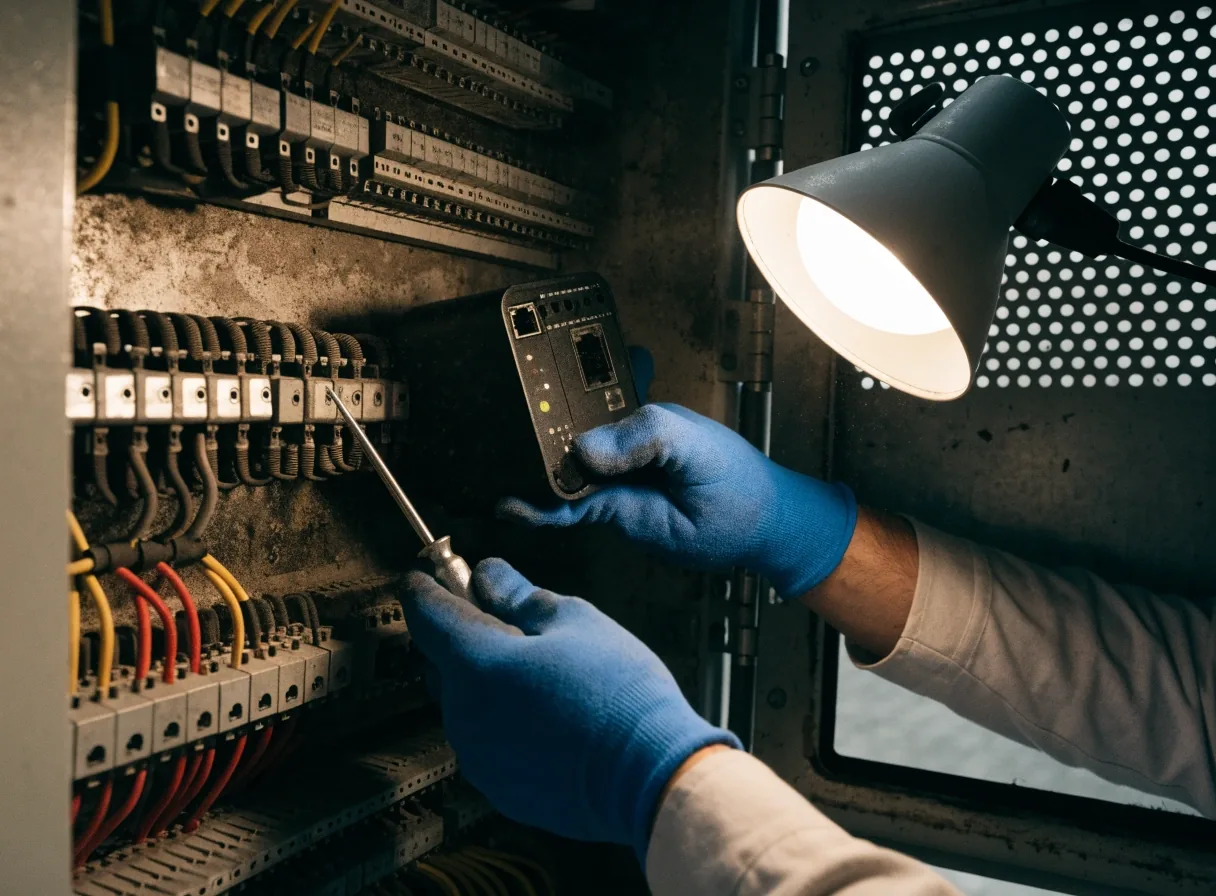
Most US plants have serial cable, conduit and panels worth keeping. We test existing RS232 runs, terminal strips and 24V supplies before recommending replacement. Teleterm-compatible power equipment, including the Powerterm PTC PSU/Chgr listed as C2194A, slots into many existing cabinets.
Where iCAM or other third-party monitors are present, we use the gateway approach Omniflex describes for its RPN1 path, combining data into one access path. You keep what works, and your operators keep the alarm names they have been reading for years.
- RS232 / 422 / 485 runs
- Tested first
- Legacy 24V supplies
- Reused where clean
- Third-party monitors
- Combined via gateway
Bay 08 — Practice
Who we serve
We work with municipal utilities, food and manufacturing plants, water and wastewater districts, and energy sites with remote assets.
Common projects include pump station telemetry, tank level reporting, substation alarms and control-room annunciator refreshes. Sites range from a single cabinet to several outstations. If your crew is in Minnesota, we can walk the site in person from our Edina office.
- Water and wastewater districts
- Food and general manufacturing
- Municipal utilities and energy sites
How a project runs
Not a mystery wrapped in a proposal. Here is the shape of a typical commission, in the order it happens:
-
Step 01
Drawings, photos and your alarm list
We start with what you already have. Old panel photos are useful. So is the list your operators keep pinned by the panel.
-
Step 02
Site visit or remote survey
We confirm power, comms paths and cabinet space before proposing anything. Remote surveys work for far sites; Minnesota sites we walk in person.
-
Step 03
RTU and annunciator layout proposed
Teleterm model, I/O count, annunciator window order, where the gateway sits. You see the layout before the truck loads.
-
Step 04
Install, wire, configure, test
Point-to-point testing from the field contact. SCADA mapping exercised from the field. Nothing passes because a light flashed.
-
Step 05
Labels, backups and handover
We close with terminal labels, backed-up configuration files and a short session so your staff knows how to acknowledge, bypass and expand points.
Bay 09 — Compatibility
Support matrices and mixed fleets
Plants inherit equipment over decades. Omniflex lists iCAM among supported monitors on its RPN1 page, which shows why compatibility lists matter. We record what you have, what protocol each device speaks and what can share a gateway.
That sheet guides future adds without rewiring everything. It also helps purchasing avoid one-off parts that only fit one cabinet on one site. When somebody inherits the site from you, the sheet is what they read first.
The sheet we hand over
- Every device, with the protocol it speaks
- What can share the gateway, and what needs its own run
- Spare I/O already reserved for next time
- Wire colours and labelling conventions used on the job
Bay 10 — Longevity
What holds up over time
Good telemetry stays maintainable.
Labeled terminals, spare I/O, fused power and saved configs make year-three service simple. We leave room in cabinets for one more module and keep wire colours consistent across the plant — so the next engineer recognises the site instead of reverse-engineering it.
Documentation lives both on paper in the door pocket and as a file you can email. That is how experienced users judge quality — not by what a panel looks like on commissioning day, but by what it looks like when somebody has to open it again two years later.
Bay 11 — Visiting the rack bay
We plan to stand in front of yours
Early morning in the plant, before the shift change, you can hear a contactor drop and see the corresponding window light. That is the standard we commission to.
Every claim in this copy should light its own lamp, proven at the terminals with a meter in hand. We have stood in front of those panels with a torque driver.
4820 W 77th St, Edina, MN 55435 · Monday to Friday, 9:00 AM – 6:00 PM
Questions from the field
The four we hear most
Answers below come from work we already do. If yours is not here, call the Edina office — we would rather discuss it than pre-write about it.
Ask us directlyWhich RTU fits limited power and mixed digital I/O?
The Teleterm M3e on 9–30Vdc is often used for small sites with simple field I/O. We confirm your point count and power budget, then configure the I/O and test each channel. If you need radio plus Ethernet with 12 configurable I/O, we look at the M3R2. The final pick follows a review of your drawings.
Can you reuse our serial wiring?
Often yes. We test the RS232/422/485 runs referenced in Omniflex manuals and reuse the ones that pass insulation and continuity checks. Damaged segments are replaced and documented. You keep usable copper and conduit — and you know exactly what was reclaimed versus replaced.
Do annunciators connect to SCADA?
Yes. Omniflex documents annunciator interfaces to SCADA, PLC and DCS. We map alarm and status points so the control room and the panel agree. Each mapped point is tested from the field device, not only from the controller's screen.
What is the difference between an RTU, a gateway, and remote I/O?
An RTU like Teleterm collects field signals and reports them over telemetry. A gateway combines data from other monitors into one access path, as Omniflex describes for its RPN1 context. Remote I/O extends inputs and outputs near the equipment. We label which role each box plays in your cabinet, so the next person who opens the door does not have to guess.
Omnix Agent · Certified Omniflex integration partner, USA
You see the window light. We made sure it lit.
Tell us what your site runs today — pumps, tanks, substations, or a room full of alarms — and we will tell you honestly what we would wire, configure and test. First call is a conversation, not a proposal.
Reach us directly
- Office
- 4820 W 77th St, Edina, MN
- Phone
- +1-952-835-4420
- info@omnix-agent.com
- Hours
- Mon–Fri, 9:00 AM – 6:00 PM